ERP System or Accounting Software: 4 Differences That Show in Daily Work
Many companies say „we already have accounting software" and assume that is an ERP. Here are four differences you notice in everyday work.

Almost every company has software for bookkeeping. That is why you often hear: „We already have a program, so is that an ERP?" The answer depends on what happens when goods arrive in the warehouse, when payroll is calculated, or when the owner asks on a Tuesday how much customers owe.
Accounting software does its job well: the general ledger, tax records and statutory reports. An ERP goes one step further — it also covers the processes that happen before posting, so data is not retyped from one program into another.
Below are the four differences that show up fastest in practice, with examples from Neksus.
Difference 1: an ERP covers more than bookkeeping
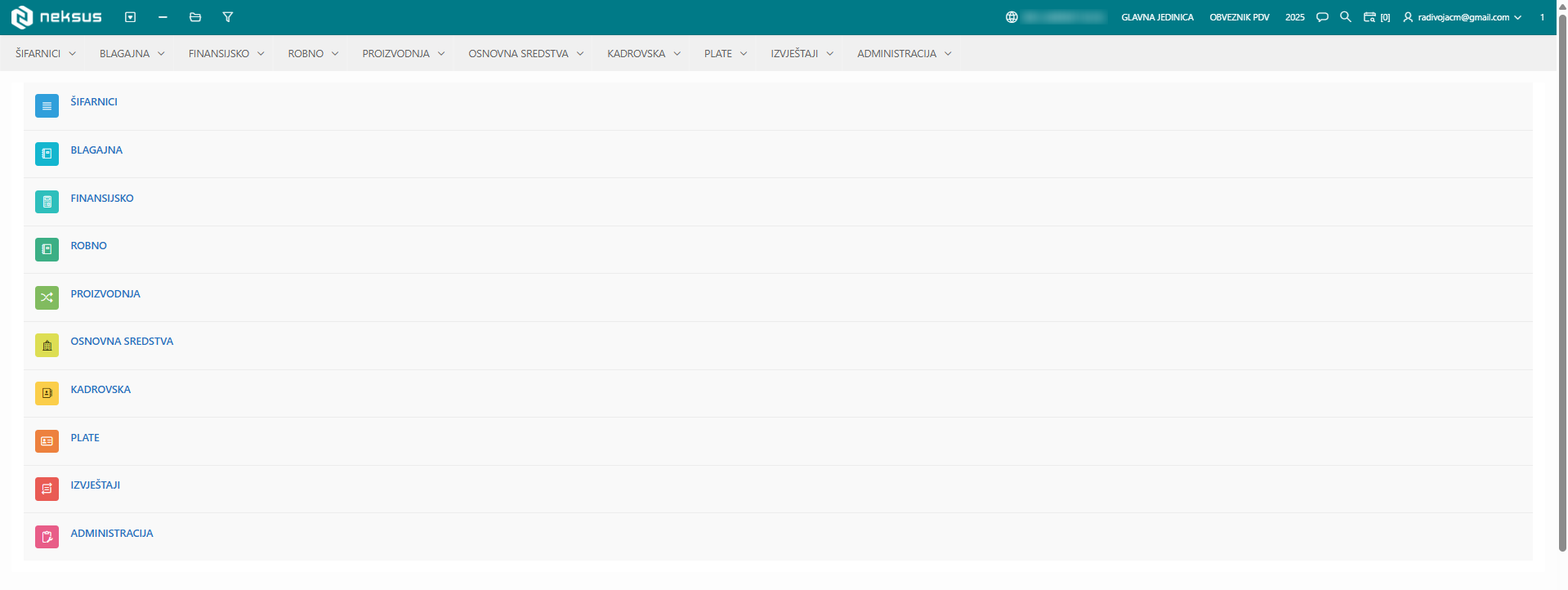
Accounting software focuses on finance and tax records. An ERP also covers what comes before them: purchasing and stock, orders, manufacturing, HR records, payroll, fixed assets, the cash desk and travel orders.
In Neksus that means finance and accounting, inventory and materials, orders, manufacturing, HR, payroll, fixed assets, cash desk and travel orders, plus POS, fiscalization, DMS and AI OCR. All of it sits in the same menu and works on the same data, so there is no separate „warehouse program" next to the „accounting program".
So the first question is simple: does your software cover only posting, or also the work that happens in the warehouse, on the shop floor and in HR?
Difference 2: data is entered once and travels on its own
This is the core of an ERP and the difference you feel the most. In separate programs the same data is entered two or three times: once in the warehouse, again in accounting, and a third time in a payroll spreadsheet. Every retype is another chance for an error and another hour of work.
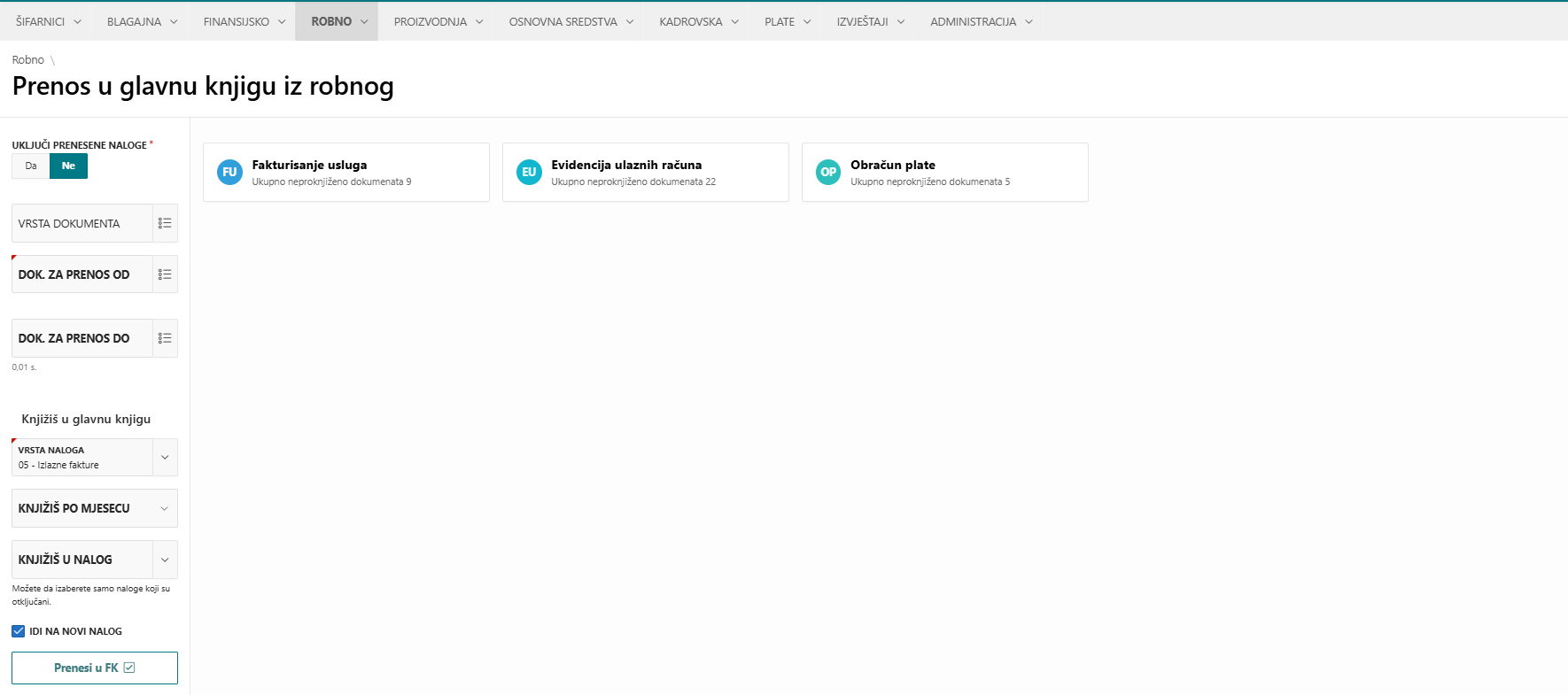
In an ERP the document is created once and the posting follows from it. In Neksus, inventory documents are posted to finance automatically, manufacturing automatically issues raw materials and receives finished goods, depreciation of fixed assets is posted to finance automatically, and cash desk documents go straight into the general ledger.
The same principle applies to payroll: the calculation is posted automatically, for one company or for several at once — the everyday job of accounting firms.
Difference 3: you look at today, not at the closed month
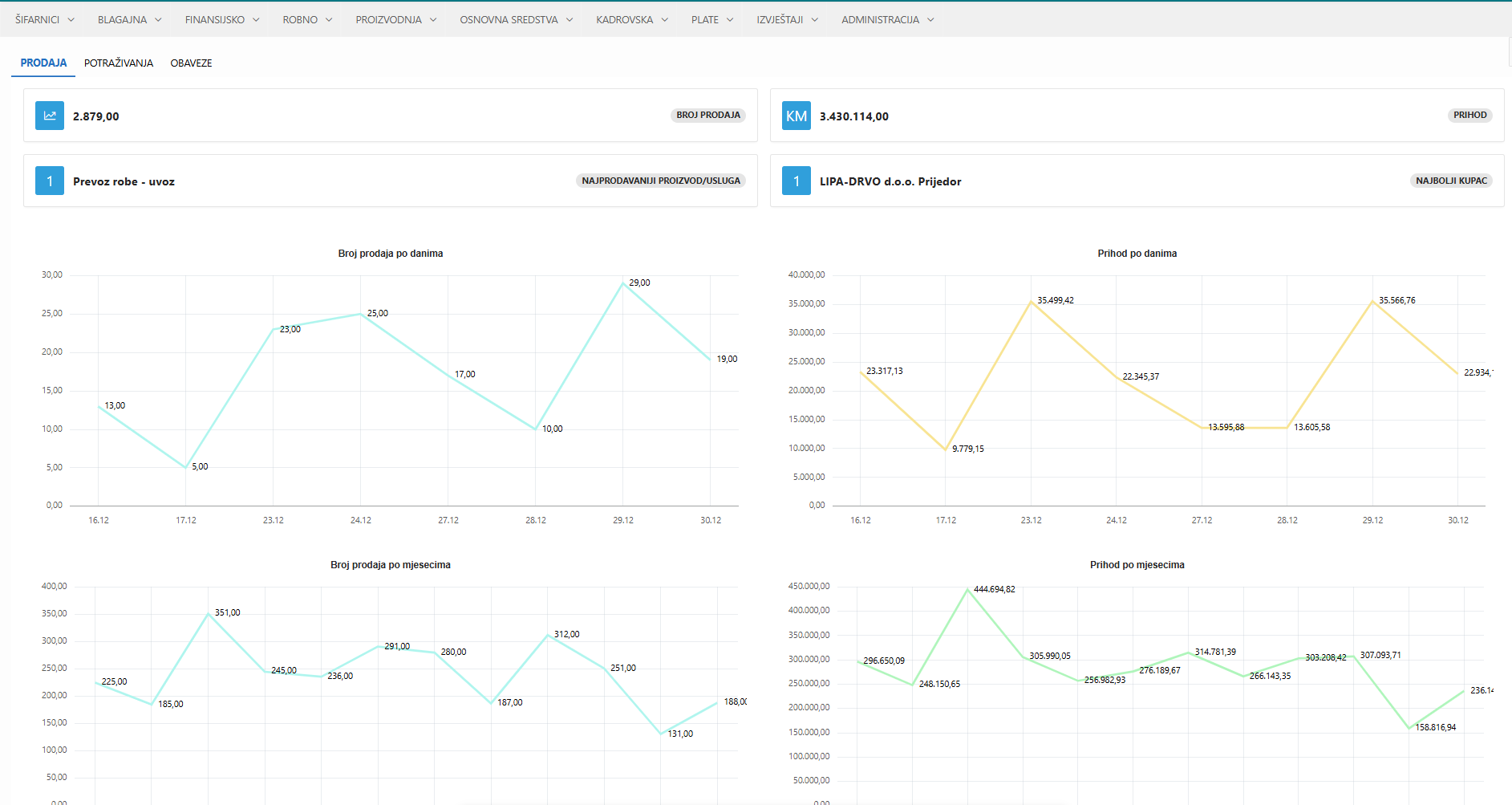
When data travels on its own, a report does not have to wait for someone to retype everything. That is why in an ERP you follow sales, stock and receivables during the month, not only once accounting closes the period.
In practice, that is the difference between „how much did we sell last month" and „how much did we sell this week and who owes us". The second question changes decisions: who gets a reminder, what to order, which product to push.
Difference 4: several people work in the same system, each with their own rights
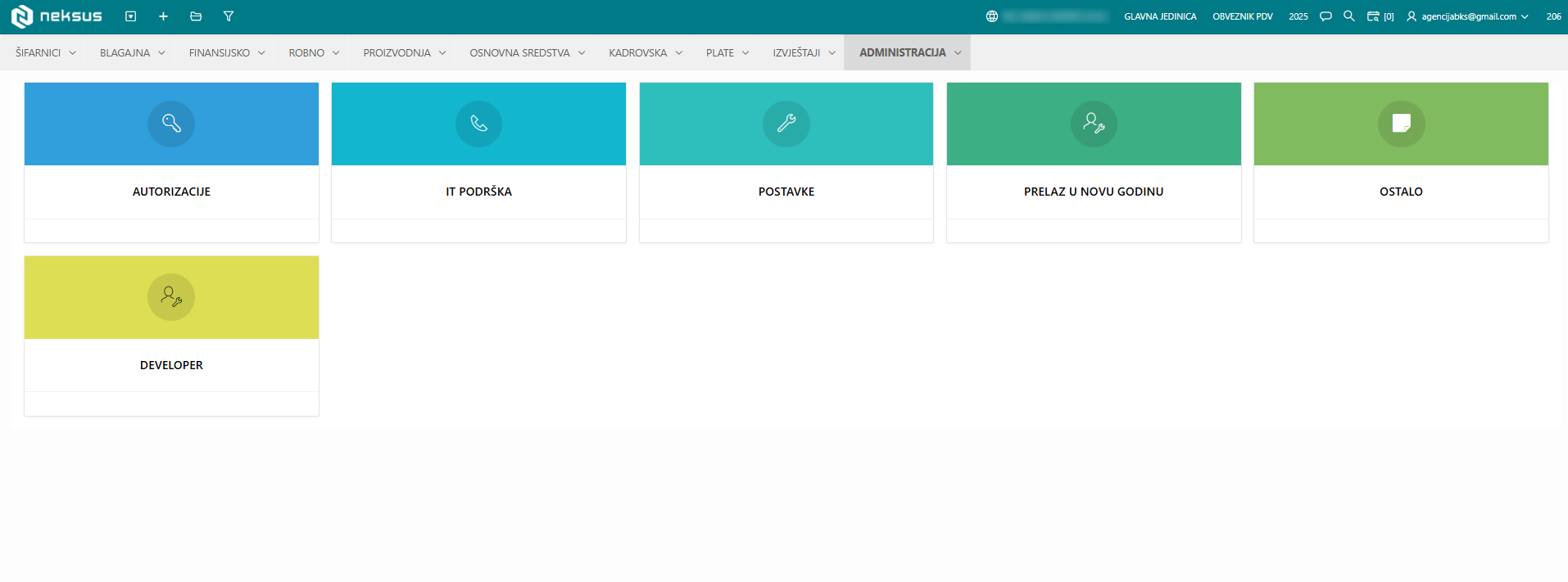
Accounting software is usually used by accounting. An ERP is used by the warehouse keeper, the sales rep, the shop floor supervisor and the owner. That is why access rights are not a detail but a condition for the system to be usable at all.
In Neksus rights are granted per user and per department — sales, warehouse, purchasing, accounting, management — and they define who can view, enter and approve what.
The same logic enables work with an accounting firm: the client enters their documents, the firm does the posting and the checks, and both sides look at the same data instead of exchanging it by e-mail.
How to tell what you need
Not every company needs an ERP. If you work alone and issue a few invoices a month, good invoicing software and tidy bookkeeping are perfectly enough.
If the answers to these questions are mostly yes, you have probably outgrown classic accounting software: do you retype the same data into two programs or a spreadsheet; do you wait for month end to see where you stand; do people outside accounting need access; do you have manufacturing, retail, several warehouses or several companies?
The answers matter more than the name of the software.
Conclusion: the name does not matter, the flow of data does
An ERP is not „bigger accounting software". It is one system where data is entered once, travels through purchasing, the warehouse, manufacturing and payroll, and ends up posted without retyping.
If you would like to see how that looks on your own processes, book a presentation — we will go through the modules that concern your business and through examples from practice.